

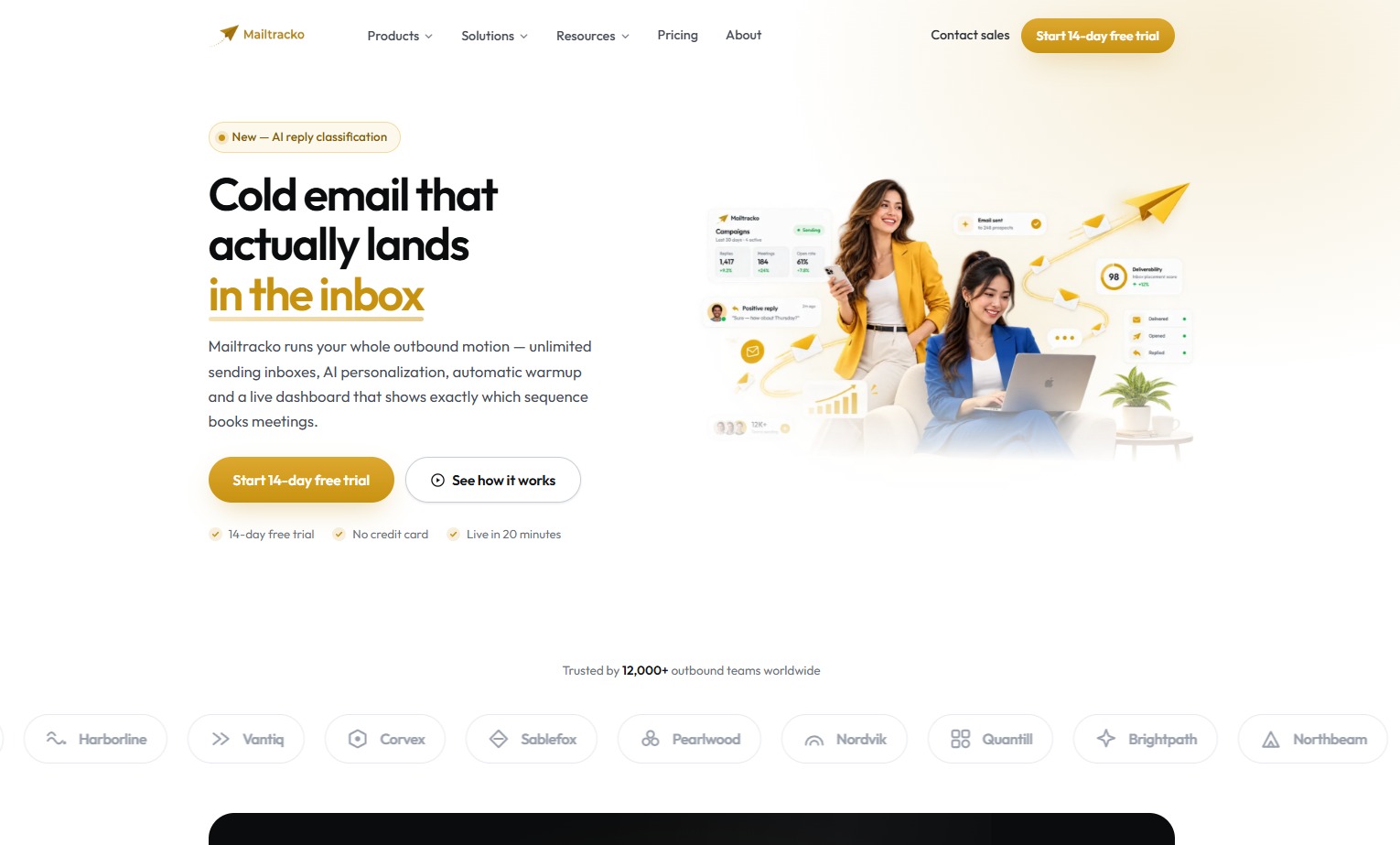
Cold email that actually lands in the inbox
Mailtracko runs your whole outbound process in one place. Send campaigns from many inboxes, personalize every email with AI, protect your domains and handle every reply.
What is Mailtracko?
Mailtracko is a cold email automation platform for outbound teams. It brings campaigns, automatic follow ups, AI personalization, deliverability checks and a shared reply inbox into one workspace, so you do not need a separate warmup tool, sequencer and spreadsheet.
It is made for sales teams, agencies and founders who send cold email and need it to reach the primary inbox. Mailtracko started as an internal tool at an outbound agency, so deliverability came first and everything else was built around it.
You connect Google, Outlook or any SMTP inbox, import a list and launch a sequence. Most teams have their first campaign live in about twenty minutes, and every plan starts with a free 14 day trial with no credit card.
Quick facts
- Category
- Cold Email Outreach
- Built by
- Brahmabyte Lab
- Best for
- Outbound sales teams, Agencies managing many client domains, Founders and early stage teams
- Website
- mailtracko.com
What you can do with Mailtracko
Inbox rotation
Connect Google, Outlook or custom SMTP accounts. Sending rotates across them and each one stays inside a safe daily limit.
AI personalization
AI writes a new first line for each prospect from their role, company and recent activity, not a merge tag.
Conditional sequences
Branch on opens, clicks, replies or CRM fields. Set delays and A/B test up to 8 variants.
Warmup and guardrails
New domains warm up on their own, and campaigns pause by themselves if bounces or spam complaints spike.
Unified inbox
Replies from every connected account land in one thread view, sorted by AI and assigned to an owner.
Revenue analytics
Track sent, opened, replied, booked and closed. See which step and subject line earned the meeting.
Get started in a few simple steps
- 1
Connect your inboxes
Link Google, Outlook or SMTP in about a minute each. Mailtracko checks SPF, DKIM and DMARC before anything goes out.
- 2
Build the sequence
Write the first step, let AI draft the follow ups in your voice, then branch on how each prospect behaves.
- 3
Launch and warm up
Sending ramps up slowly across every connected inbox while warmup runs in the background.
- 4
Book the meeting
AI sorts replies into interested, not now or unsubscribe. Good replies land in your inbox with a booking link ready.
Simple plans for every team
Starter
- $23 per month when billed yearly
- 1 team member
- 2 connected sender accounts
- 2,500 active contacts
- 10,000 campaign emails per month
- Unlimited campaigns, templates and sequence steps
- 90 days of analytics and email support
Growth
- $47 per month when billed yearly
- 5 team members
- 10 connected sender accounts
- 25,000 active contacts
- 100,000 campaign emails per month
- Unified inbox and team collaboration
- 12 months of analytics and priority support
Scale
- $119 per month when billed yearly
- 10 team members
- 25 connected sender accounts
- 60,000 active contacts
- 250,000 campaign emails per month
- Scheduled CSV and PDF reports
- 24 months of analytics and guided migration
Enterprise
- Custom members, senders and domains
- Custom contact and email capacity
- Invoice and purchase order billing
- Contractual SLA
- Dedicated success manager
Prices are taken from the Mailtracko website and may change. Check mailtracko.com for the latest plans.
Yes. You get 14 days on every plan with no credit card. Everything you build during the trial, like campaigns, contacts and warmup history, carries over.
Not if you let Mailtracko pace you. New domains go through automatic warmup, volume ramps up slowly, and campaigns pause on their own if bounces or spam complaints cross a safe limit.
Yes. Google and Outlook connect through OAuth in one click. Any other provider works with standard SMTP and IMAP details.
The sequence stops for that prospect right away. AI tags the reply as interested, not now, out of office or unsubscribe, sends it to your unified inbox, alerts Slack and updates the CRM record.
Yes. Upgrades apply right away and are prorated for the rest of the period. Downgrades apply at the end of the current period, so you keep what you paid for.
You can cancel at any time from billing settings. Access continues until the end of the paid period, then the account becomes read only and your data stays available for export.
Explore our other products
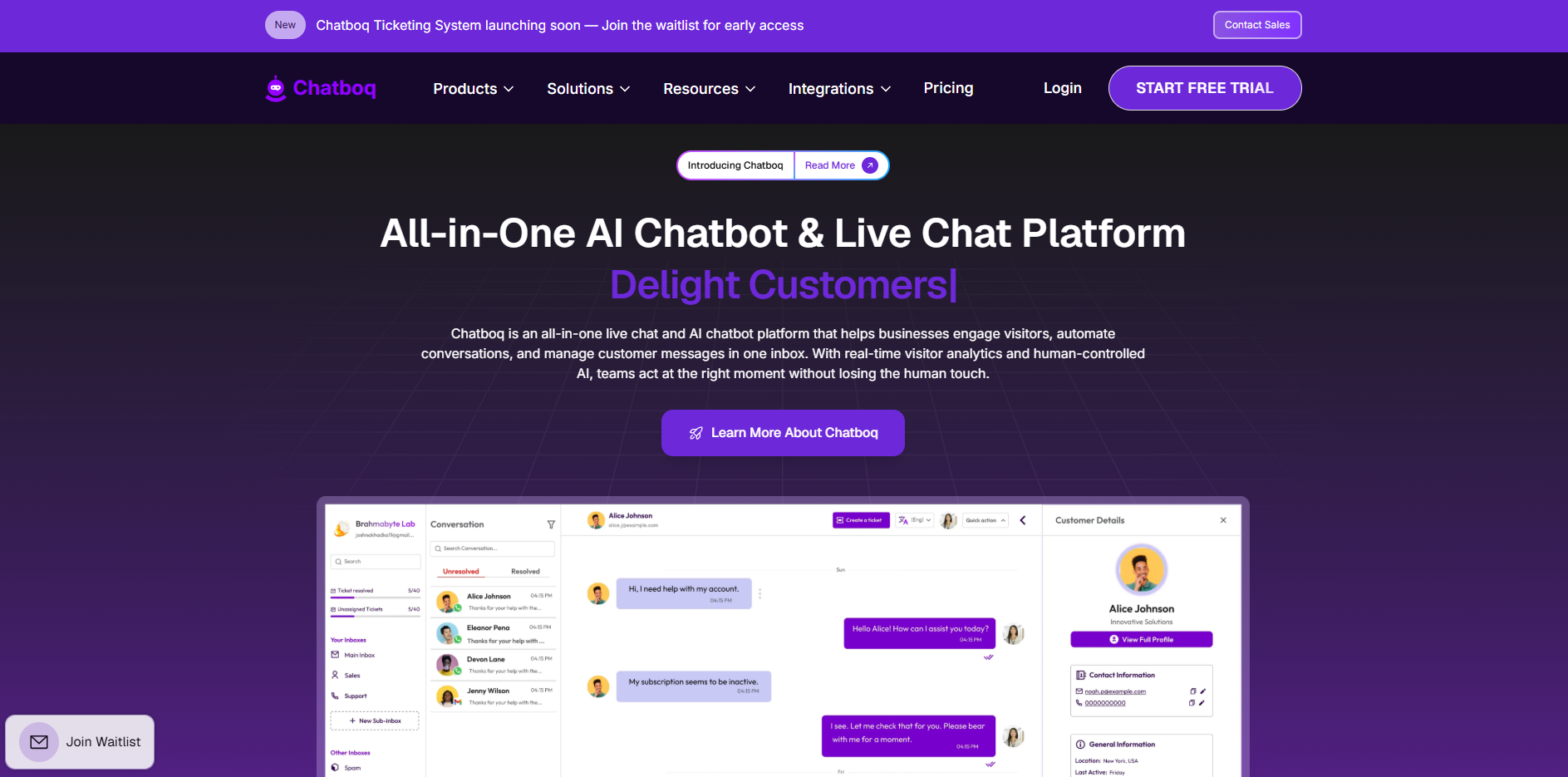
 Chatboq
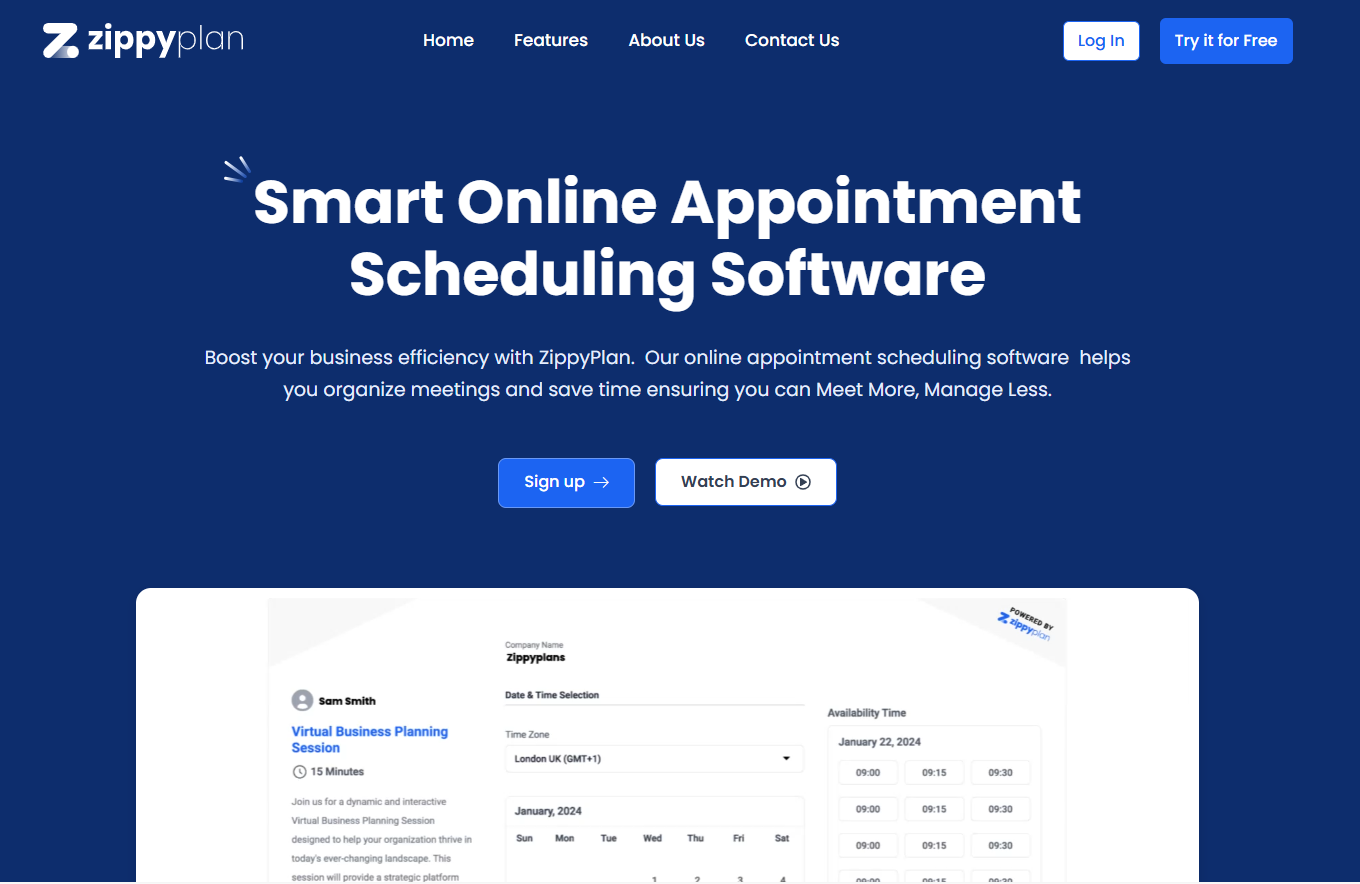
 Zippy Plan
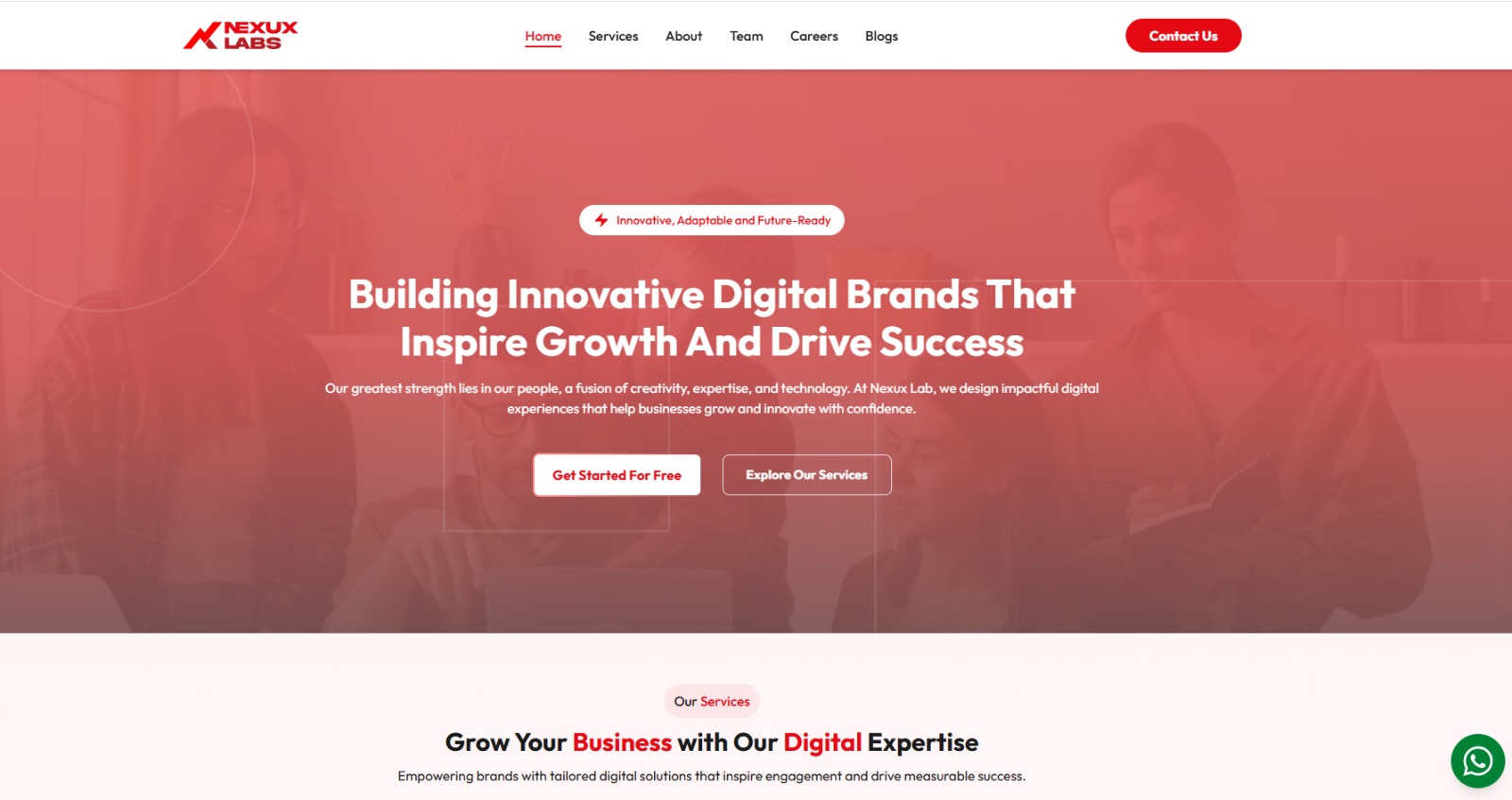
 Nexux Labs

Want a product like Mailtracko?
We build SaaS products for our own brands and for clients. Tell us your idea and we will help you build it.