 ChatGPT
 Claude
 Perplexity
 Gemini
 Grok
Key highlights
- Live chat lets you answer questions while visitors are still on your site and still interested.
- Compared with email and phone, chat asks the least effort from the customer and lets one agent handle several conversations.
- Starting a chat at the right moment, such as on your pricing page, can clear the doubt that stops a sale.
- Chatbots and AI agents cover simple questions after hours, while your team handles the conversations that need a person.
- Track a few simple numbers, like first response time and leads captured, to see if chat is paying off.
A visitor lands on your website, reads about your service and has one small question. Maybe it is about price, delivery time or whether you work with businesses like theirs. If the answer is not easy to find, most people do not pick up the phone or write an email. They simply close the tab and move on.
Live chat changes that moment. It lets you answer questions while the visitor is still on your page and still interested. For small and growing businesses, it is one of the simplest ways to turn more website traffic into real customers without spending more on ads.
In this guide, we explain why live chat helps you win more customers, how it compares with email and phone support, and how to set it up so a small team can manage it. We build customer communication tools at Brahmabyte Lab, so we will also share what we have learned about doing it well.
Live chat helps you win more customers because it answers questions at the exact moment people are deciding whether to buy. It is faster and easier than email or phone, it builds trust, and it turns anonymous visitors into leads you can follow up with.
- Fast answers keep interest alive
- Well timed chats clear doubts before visitors leave
- Every chat is a chance to capture a lead
What live chat is, and why customers like it
Live chat is a small chat window on your website where visitors can type a question and get a reply from a real person, a chatbot or a mix of both. The conversation happens on the same page, so the visitor does not have to leave what they are doing.
Customers like it for simple reasons. It is fast, it feels low pressure and it fits into their day. A person can ask a question during a lunch break or while comparing options, without waiting on hold or wondering if their email ever reached you.
For a business, live chat is more than a support tool. It is a sales tool, a feedback tool and a trust builder at the same time.
Speed wins: answering while interest is high
Interest fades quickly online. When someone is on your website, they are thinking about your offer right now. An hour later, they may be on another site, in a meeting or simply no longer in the mood to buy.
Email support asks the customer to wait. Phone support asks them to stop what they are doing and make a call. Live chat asks for neither. A quick, helpful reply in the first few minutes keeps the conversation going while the decision is still warm.
This does not mean you must reply in seconds every time. It means you should aim to reply while the visitor is still on your site. Even a short message like 'Thanks for asking, let me check that for you' tells them someone is there and that their question matters.
If you cannot reply right away, set clear expectations. Telling a visitor that a reply will come within a few minutes, or asking for their email so you can follow up, is far better than leaving them guessing.
The best time to answer a customer's question is while they are still deciding.
Live chat vs email vs phone: a quick comparison
Each support channel has its place, and many businesses use all three. But when the goal is to win new customers from your website, the differences matter. Here is how they compare for a small team.
| Factor | Live chat | Phone | |
|---|---|---|---|
| Wait for the customer | Usually minutes, while they are still on your site | Hours, sometimes days | Depends on hold times and office hours |
| Effort for the customer | Low, they type a quick question | Medium, they write a full message | High, they need time and a quiet place to talk |
| Conversations per agent | Often a few at the same time | Many, but replies are slower | One call at a time |
| Context about the visitor | Can show the page they are on and their visit | Only what they write | Only what they say |
| Outside office hours | Covered by a chatbot or AI agent | Messages wait in the inbox | Usually goes to voicemail |
| Best for | Quick questions during a buying decision | Detailed or formal requests | Complex or sensitive issues |
The point is not that email and phone are bad. It is that live chat fits the moment when someone is browsing and close to a decision. That is the moment where most online sales are won or lost.
Seven ways live chat helps you win more customers
Here are the main ways a well run live chat turns more visitors into buyers. Most of them apply whether you sell products, services or software.
1. It removes doubts at the point of decision
Many people who leave a website without buying have a small doubt they could not clear. Is this the right plan for me? Do you deliver to my area? Can I cancel later? Live chat lets you answer these questions in a sentence or two, right when they block the sale.
2. It lets you start the conversation at the right moment
You do not have to wait for visitors to reach out. With real time visitor analytics, you can see who is on your site, which page they are reading and how long they have stayed. If someone has spent several minutes on your pricing page, a friendly 'Any questions about our plans?' can be the nudge they need.
3. It captures leads you would otherwise lose
Not every visitor is ready to buy today. A chat is a natural place to ask for a name and an email so you can follow up later. Compared with a long contact form, a short chat feels more personal, and people are often happier to share their details when they are already getting help.
4. It builds trust with a real human voice
Buying from a business you do not know feels risky. A quick, friendly reply from a real person shows that there is a team behind the website. That sense of trust matters a lot for small businesses competing with bigger names.
5. It helps a small team handle more conversations
A support agent on the phone can only talk to one person at a time. On chat, the same person can often manage a few conversations at once. Saved replies for common questions and a chatbot for simple requests stretch your team even further.
6. It shows you what customers really want to know
Every chat is a small piece of customer research. Over time, you will notice the same questions coming up again and again. Those questions tell you what to fix on your website, what to add to your FAQ page and what to explain better on your sales pages.
7. It meets customers on the channels they already use
Many customers would rather message you on WhatsApp, Instagram or Messenger than fill out a form. A multi channel inbox brings these messages into one place, so your team can reply from a single screen instead of switching between apps and missing messages.
Do not pop up a chat message the second someone lands on your site. Wait until they have shown real interest, such as spending time on a pricing or product page. A well timed message feels helpful. An instant one feels like a pushy salesperson.
Where chatbots and AI agents fit in
A common worry is that a small team cannot cover chat all day. This is where automation helps. A chatbot can greet visitors, answer simple questions, collect contact details and send the conversation to the right person.
AI agents go a step further. An AI agent trained on your own content, such as your website pages, help articles and policies, can answer a wider range of questions using your own information. When a question is too complex or the customer asks for a person, your team can take over the chat.
The goal is not to replace people. It is to let your team spend time on the conversations that need a human touch, while routine questions get answered quickly, even at night or on holidays.
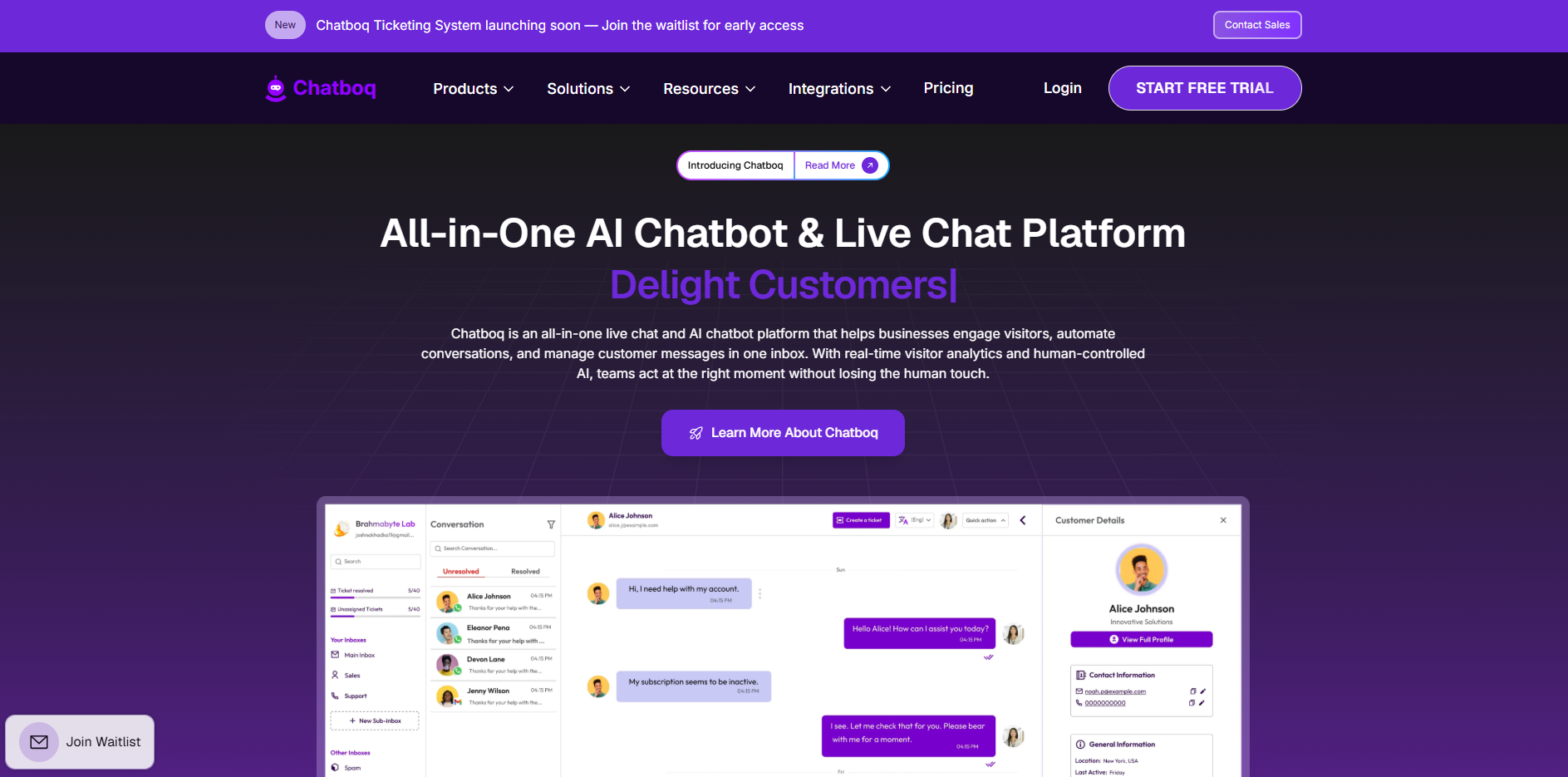
At Brahmabyte Lab, we built Chatdrill around this idea. It combines live chat with an AI agent trained on your own content, a shared inbox, visitor tracking, lead capture and Shopify integration.
- Use automation for greetings, opening hours, delivery questions and simple pricing questions.
- Use automation to collect a name, an email and the reason for the chat before a person joins.
- Keep humans for complaints, custom quotes, sensitive topics and high value sales conversations.
- Always make it easy for a customer to reach a real person.
If a visitor is chatting with a bot or an AI agent, make that clear. People are usually happy to get a quick automated answer, as long as it is honest and they can still ask for a person.
How to set up live chat the right way
Adding a chat widget takes minutes. Making it actually win customers takes a bit of planning. You do not need to do everything at once, so start small and grow from there.
- 1
Choose your people and hours
Decide who will answer chats and when. Even one person for a few hours a day is a good start.
- 2
Start on high intent pages
Place the chat widget on your pricing, product, checkout and contact pages first.
- 3
Write your greeting and saved replies
Use a short, friendly greeting in your brand voice. Prepare saved replies for your ten most common questions so answers are fast and consistent.
- 4
Cover after hours with automation
Set up a chatbot or AI agent for evenings and weekends, with a clear option to leave contact details.
- 5
Bring every channel into one inbox
Connect your social messaging channels and turn complex issues into tickets, so nothing gets lost and every request has an owner.
- 6
Review every week
Read your chats, spot the questions that keep coming up and update your website and replies.
Keep your replies short and split long answers into two or three messages. Many people read chat on a phone screen, and a wall of text is hard to follow.
Common live chat mistakes to avoid
Live chat can also hurt your brand if it is handled poorly. Watch out for these common mistakes.
- Showing the chat as online when no one is there to answer. If you are away, say so and offer another way to get help.
- Leaving visitors waiting with no reply. A short holding message is better than silence.
- Using a chatbot that traps people in a loop with no way to reach a human.
- Pasting long, formal replies that do not answer the actual question.
- Asking for too many details before helping. Help first, then ask for contact details.
- Treating chat as separate from the rest of your support. Chats, emails and tickets should connect so customers do not have to repeat themselves.
How to tell if live chat is working
You do not need complex reports to see if live chat is paying off. Track a few simple numbers each month and look for steady improvement.
- First response time: how long a visitor waits for the first reply.
- Chats per week: how many conversations your website starts.
- Leads captured: how many chats end with a name and contact details.
- Chats that lead to a sale or booking: the clearest sign of value.
- Common questions: the topics that keep coming up, which point to gaps on your website.
Compare these numbers before and after you make changes, such as moving the widget, adjusting your greeting or adding a chatbot. Small changes, tested one at a time, can make a real difference over a few months.
Final thoughts
Live chat helps you win more customers because it meets people at the exact moment they are deciding. It answers doubts fast, builds trust, captures leads and shows you what your customers care about. It also lets a small team do more without hiring more people.
Start simple. Put chat on your most important pages, reply quickly and use automation to cover the gaps. Then review what you learn and keep improving. Over time, those small conversations add up to more sales and happier customers.
Stay in the loop
Get our latest guides on software, SaaS and growth delivered to your inbox.
By subscribing, you agree to get updates from Brahmabyte Lab. You can unsubscribe any time. Brahmabyte Lab TeamEngineers, designers and writers at Brahmabyte Lab Back to blog